Microsoft Security | Microsoft Entra | Microsoft Entra ID
A cloud-based identity and access management service for securing user authentication and resource access

This browser is no longer supported.
Upgrade to Microsoft Edge to take advantage of the latest features, security updates, and technical support.
' cx='32' cy='32' r='32' /%3E%3Ctext x='50%25' y='55%25' dominant-baseline='middle' text-anchor='middle' fill='%23FFF' %3EKS%3C/text%3E%3C/svg%3E)
I tried to log in to the PC using Azure Active Directory using the Remote Desktop app of MacOS, but the message "Smart card inserted" is displayed even though there is no smart card. Is there any solution?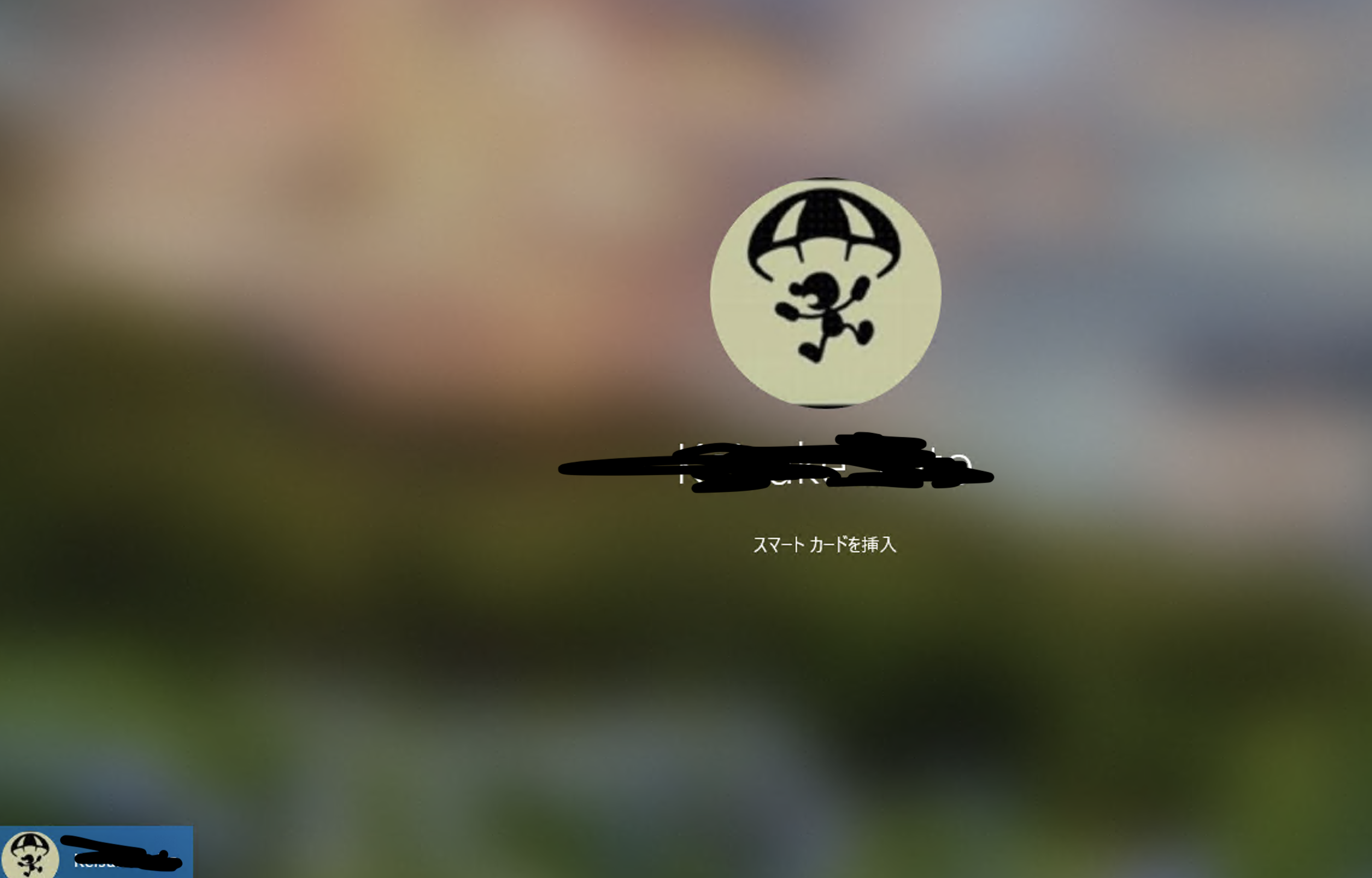
' cx='32' cy='32' r='32' /%3E%3Ctext x='50%25' y='55%25' dominant-baseline='middle' text-anchor='middle' fill='%23FFF' %3ESS%3C/text%3E%3C/svg%3E)
@Keisuke.Saito , Are you trying to logon on to a virtual Machine in Azure using Azure AD credentials (i.e in the format of AzureAD\user@tenant .com)? Or you are trying to Remote desktop to another windows machine within the same network ? If you are trying to logon to the windows 10 machine within the same network then it will depend upon what kind of authentication mechanism has been setup (for eg. is windows hello setup properly? )
@Shashi Shailaj
Yes, I am trying to connect to a Windows machine in the same network with a remote desktop.
In my personal computer settings, Windows Hello is set to log in using pins.
(I am sorry that the explanation is difficult to understand because I write English using translation)
' cx='32' cy='32' r='32' /%3E%3Ctext x='50%25' y='55%25' dominant-baseline='middle' text-anchor='middle' fill='%23FFF' %3EMT%3C/text%3E%3C/svg%3E)
It seems like some of the issues with the smart card reader were addressed in recent releases. If you have the latest 10.3.7 version you should also be able to disable smart card redirection.
ClientSettings.DisableSmartcardRedirection
https://learn.microsoft.com/en-us/windows-server/remote/remote-desktop-services/clients/mac-whatsnew
I am uncertain about that error but am asking the product team about it.