Change color of Remote Desktop App in Windows 10

J J 21 Reputation points
2020-04-08T04:13:34.16+00:00

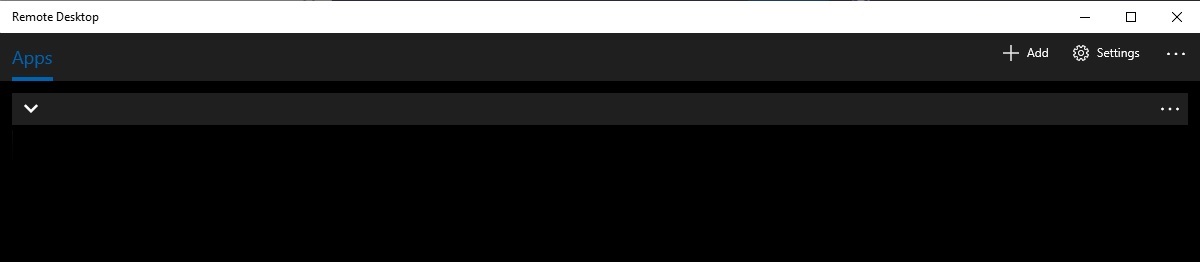
Hi there, I installed remote desktop app in Windows to connect to remote resources. After I installed I see its in dark color. Is there a way we can change the color of that application alone in Windows 10 v 1909. I also tried to update in settings, I dont see that option. I can try in registry, would you be able to provide me a registry resource pls ?

I have a screenshot of the windows app in this post for your reference.

7187-remote-desktop.jpg

Windows for business | Windows Client for IT Pros | User experience | Other
0 comments No comments
{count} votes

Answer accepted by question author
  1. Anonymous
    2020-04-08T12:30:03.243+00:00

    QnA currently supports the products listed in right-hand pane (more to be added) Better to reach out to subject matter experts in dedicated forums over here.

    https://social.technet.microsoft.com/Forums/windowsserver/en-US/home?forum=winRDc

    (please don't forget to mark helpful replies as answer)

    0 comments No comments

1 additional answer

Sort by: Most helpful
  1. J J 21 Reputation points
    2020-04-09T05:19:37.527+00:00

    Thank you DSPatrick. I have posted in that forum.


Your answer

Answers can be marked as 'Accepted' by the question author and 'Recommended' by moderators, which helps users know the answer solved the author's problem.