Azure Storage Explorer
An Azure tool that is used to manage cloud storage resources on Windows, macOS, and Linux.
This browser is no longer supported.
Upgrade to Microsoft Edge to take advantage of the latest features, security updates, and technical support.

Hi,
I am running VS 2019 and connected to my Azure Subscription. I only see storage account (classic) and not the ARM accounts. This does not happen when I use my Storage Explorer tool. I have own permission in the subscription.
[Note: As we migrate from MSDN, this question has been posted by an Azure Cloud Engineer as a frequently asked question.]
Any suggestions?

The reason it doesn't work is because Visual Studio Server Explorer does not display ARM storage accounts. (I suspect it doesn't display any ARM resources, actually). The Cloud Explorer does show ARM storage accounts.
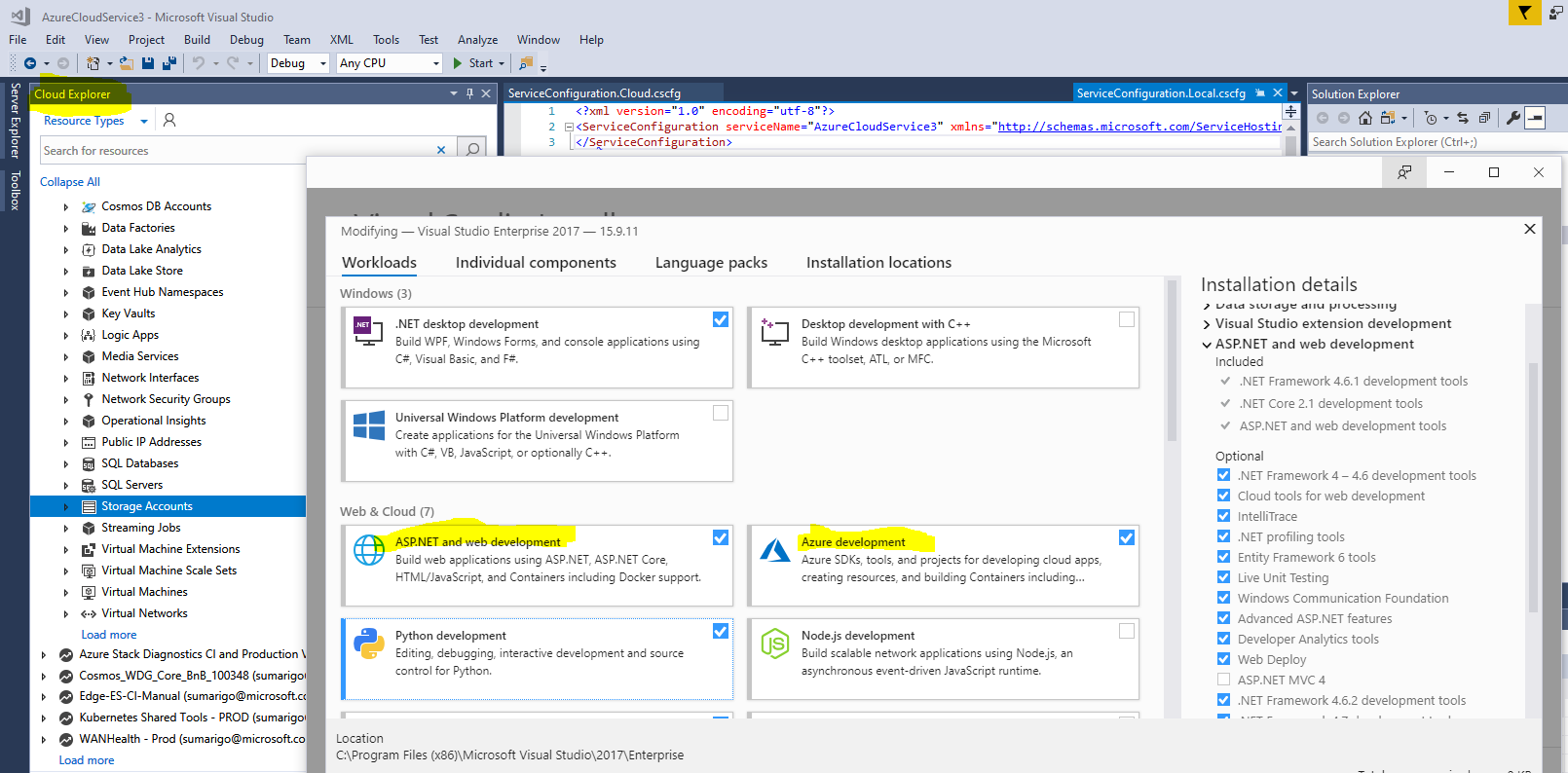
Just for clarification: Make sure the Azure development and ASP.NET and web development workloads are updated.
If your storage account doesn't appear, you can add it by following the instructions later in this article.
You might check out the Azure Storage Explorer that the Azure team has built. It's free and multi-platform and supports both ARM and classic resources. Check it out here: http://storageexplorer.com