Microsoft Teams | Microsoft Teams for business | Other
Additional features, settings, or issues not covered by specific Microsoft Teams categories

This browser is no longer supported.
Upgrade to Microsoft Edge to take advantage of the latest features, security updates, and technical support.
' cx='32' cy='32' r='32' /%3E%3Ctext x='50%25' y='55%25' dominant-baseline='middle' text-anchor='middle' fill='%23FFF' %3EHP%3C/text%3E%3C/svg%3E)
Hello, I understand that External Access is enabled by default in Teams. Everything I have read says that external access allows you to communicate with external users, by finding, chatting, calling, etc. I want to be able to invite external people to my meetings, but I dont want to be searchable in Teams by external people. If I turn off external access, will I still be able to invite external people to my meetings? What specifically happens when I turn off external access? Thanks.
' cx='32' cy='32' r='32' /%3E%3Ctext x='50%25' y='55%25' dominant-baseline='middle' text-anchor='middle' fill='%23FFF' %3EN%3C/text%3E%3C/svg%3E)
The External Access is for Direct/Instant Messaging or Collaboration. You can turn that off.
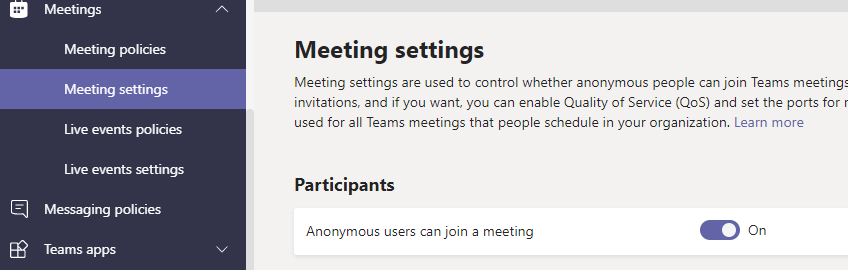
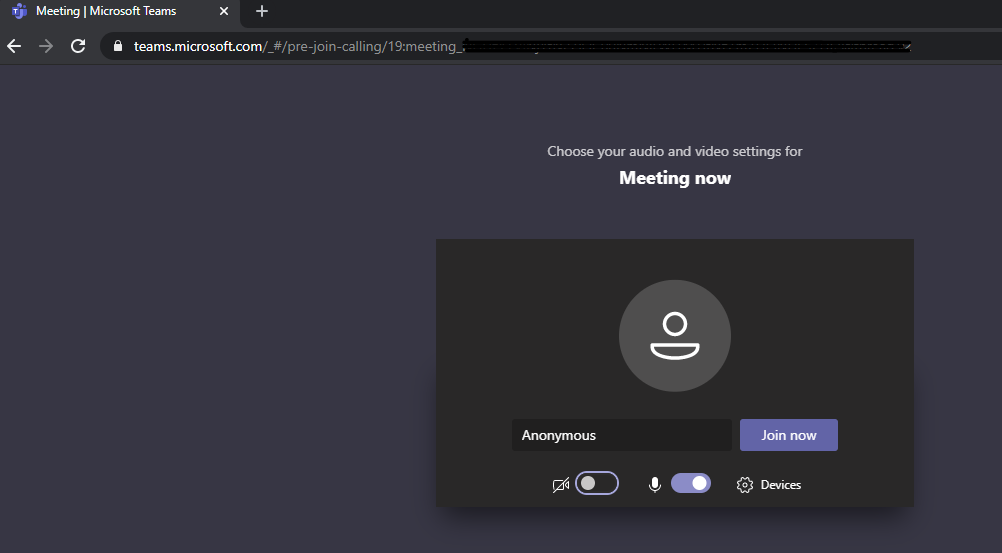
Meetings are a separate feature and you can invite anyone and you get a link for the Meeting. A phone number is included if you have the calling plan. You can also manage whether you allow anonymous access. That setting is in the Teams Admin > Meetings > Meeting Settings. Attached images of the Meeting Settings and how an anonymous user can sign in through a web browser if they get the link from your invite.

Hi HeidiPoffenroth-9890,
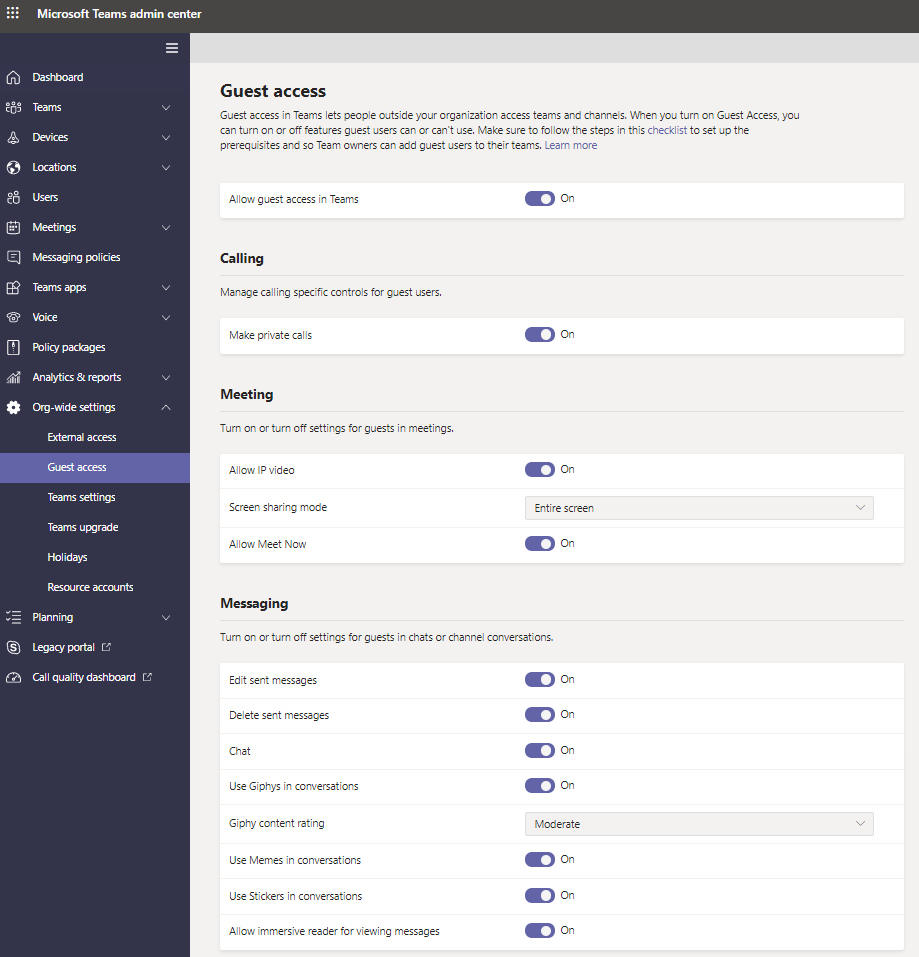
You can turn on guest access in your environment. Then configure guest access in Microsoft Teams admin center. You can control the access of guest from calling, meeting and messaging.