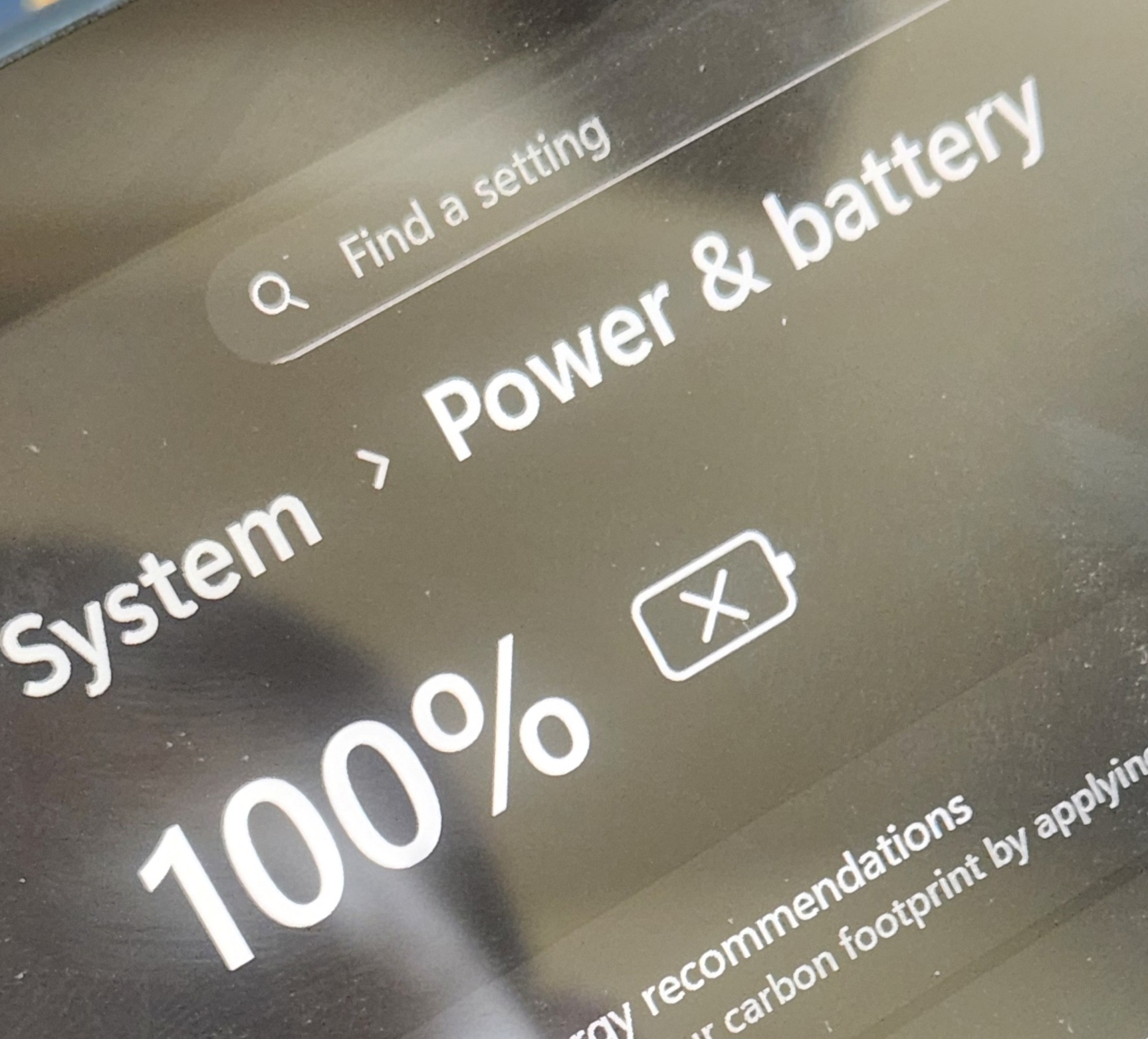
Whenever I try to charge my Surface Pro 9, it just shuts down after a while. It'll give the "Your battery is very low charge now" or whatever and then after about 0-15 minutes it will shut down. Sometimes it doesn't do that though and it just charges normally, but that happens once in a blood moon. The battery icon will flash between 100% with an X on the icon and the actual battery percentage with a charging sign, briefly before suddenly flashing to a 0% with a charging symbol and shutting down.
Heres the things i've tried already:
restarting/shutting down
tried to factory reset but you need to plug the computer in in order to do that and it keeps shutting down while trying to prep for reset
tried multiple chargers, with the same issue
put it in the freezer for 5 minutes, took it out and still the same problem.
Also just recently, the Surface won't even charge when shut down and will stay at the same battery percentage even if I wait a few hours if it sleeping the entire time. The only way it'll charge is if i wake it up while it is charging, which is annoying since it shuts down like a minute after it wakes up and then i need to wake it up again.
Theres nothing wrong with it while I use it normally while its not charged though.
Wanted to check before I try to get a new battery or just replace the entire thing because i do really like my surface and use it a lot for my daily tasks, and will kinda be stressed out using my phone for all my tasks for a while.
Background info:
had this for about 1 year or so, was a replacement of another surface that I orginally bought.
problem started about a month ago and has been persistent.
' cx='32' cy='32' r='32' /%3E%3Ctext x='50%25' y='55%25' dominant-baseline='middle' text-anchor='middle' fill='%23FFF' %3EMF%3C/text%3E%3C/svg%3E)

' cx='32' cy='32' r='32' /%3E%3Ctext x='50%25' y='55%25' dominant-baseline='middle' text-anchor='middle' fill='%23FFF' %3ESS%3C/text%3E%3C/svg%3E)