Hello Paul G,
Based on your description, I understand that you are experiencing activation difficulties with a clean installation of Windows Server 2019 Datacenter using a valid MAK key.
From my research, Error 0xC004F050 typically indicates that the Software Licensing Service has identified an issue with the product key. This can occur for several reasons: the MAK key may have exhausted its available activation count, there might be a mismatch between the product edition and the key type, the key could have been entered incorrectly, or, in rare cases, the key may have been flagged in Microsoft's licensing system. Since you mentioned this is a Volume MAK key, the most common cause is that the activation limit for this particular key has been reached.
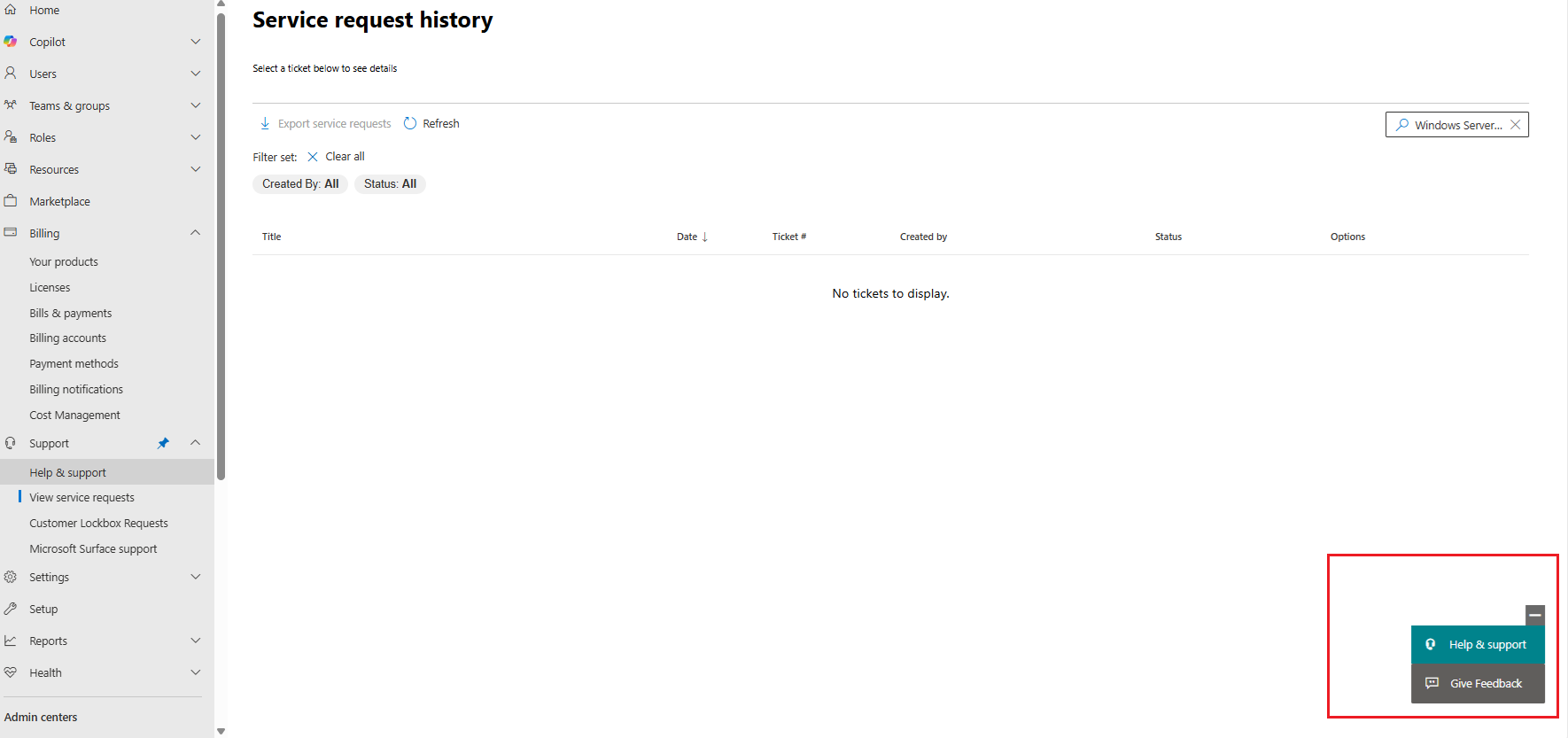
However, I regret to inform you that, as a forum moderator, I am unable to assist with matters related to activation keys due to limited access to specialized tools and in compliance with Microsoft’s data protection policies. Therefore, in this case, I recommend that you raise a support ticket directly with Microsoft via the Admin Center or through the following link: https://support.serviceshub.microsoft.com/supportforbusiness
Hope you will solve your problem soon. For any further concern, let me know in the comment section
' cx='32' cy='32' r='32' /%3E%3Ctext x='50%25' y='55%25' dominant-baseline='middle' text-anchor='middle' fill='%23FFF' %3EPG%3C/text%3E%3C/svg%3E)

' cx='32' cy='32' r='32' /%3E%3Ctext x='50%25' y='55%25' dominant-baseline='middle' text-anchor='middle' fill='%23FFF' %3EIT%3C/text%3E%3C/svg%3E)
' cx='32' cy='32' r='32' /%3E%3Ctext x='50%25' y='55%25' dominant-baseline='middle' text-anchor='middle' fill='%23FFF' %3EKD%3C/text%3E%3C/svg%3E)