Dear @GCCEC,
Thank you for posting your question in the Microsoft Q&A forum.
Are the product information and PowerPoint versions the same on all machines?
Please ensure that all PowerPoint apps have the same version (if possible, update to the latest version).
Also, try an online repair and reinstall Office on the affected machines. Repair an Office application - Microsoft Support
On the computers where that issue occurs, have you tried creating a different PowerPoint file, inserting a hyperlink, and then clicking on it to see if the other PowerPoint file appears in edit mode or presentation mode?
Is that file a shared file or what? Are all the other machines shared this file?
If so, is the hyperlink you inserted located on the C: drive or is it a SharePoint link? (If the link is to your C: drive, how can the other shared machines open it?)
I created a PowerPoint file A, and inserted a hyperlink (SharePoint link) which is the link of PowerPoint file B. I would open that PowerPoint file B on the browser, copy the URL and change the &action=edit&mobileredirect=true to &action=embedview. When I click on the hyperlink, it jumps to the browser and is in a mode like the one below.
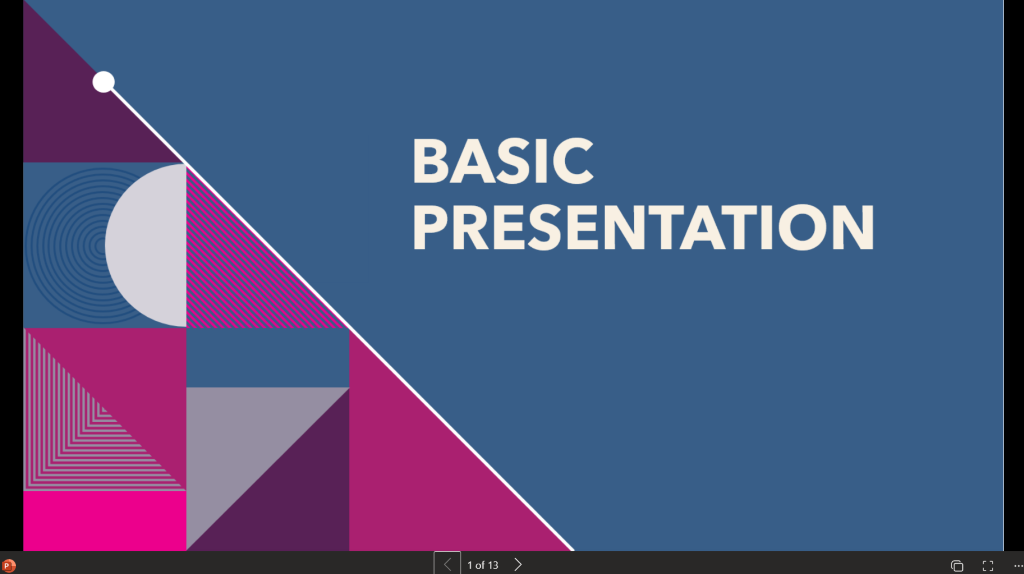
May I ask that you want the hyperlinked PowerPoint file to open in presentation mode in the browser or in the app?
Looking forward to your reply!
If the answer is helpful, please click "Accept Answer" and kindly upvote it. If you have extra questions about this answer, please click "Comment".
Note: Please follow the steps in our documentation to enable e-mail notifications if you want to receive the related email notification for this thread.
' cx='32' cy='32' r='32' /%3E%3Ctext x='50%25' y='55%25' dominant-baseline='middle' text-anchor='middle' fill='%23FFF' %3EG%3C/text%3E%3C/svg%3E)


' cx='32' cy='32' r='32' /%3E%3Ctext x='50%25' y='55%25' dominant-baseline='middle' text-anchor='middle' fill='%23FFF' %3EJH%3C/text%3E%3C/svg%3E)
