Note
Access to this page requires authorization. You can try signing in or changing directories.
Access to this page requires authorization. You can try changing directories.

If you’re not aware, System Center will start doing 6 month releases, and will be YYDD named
Example
SCOM released in Jan 2018 is 1801, then 180x, 190x, etc.
Technical previews will also exist prior (currently 1711 – the technical preview for 1801).
Register for Technical Preview
Evaluate and download https://www.microsoft.com/en-us/evalcenter/evaluate-system-center-release
Save appropriate product(s)
Extract for ISO files
Go to path where files were saved
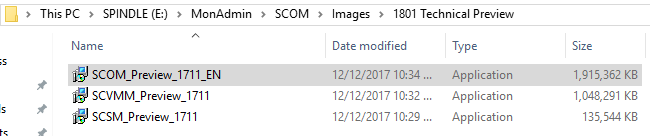
Double click on file to extract
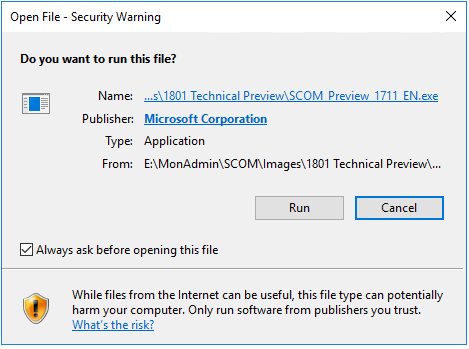
Click on Run to run the file
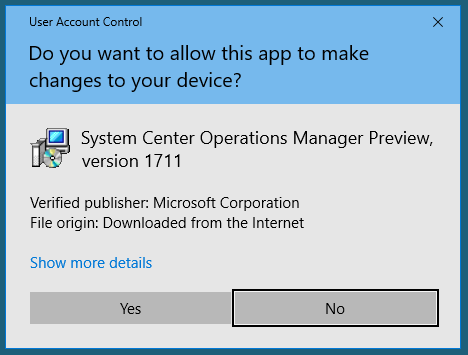
Answer Yes to UAC prompt
Click 'I accept for EULA
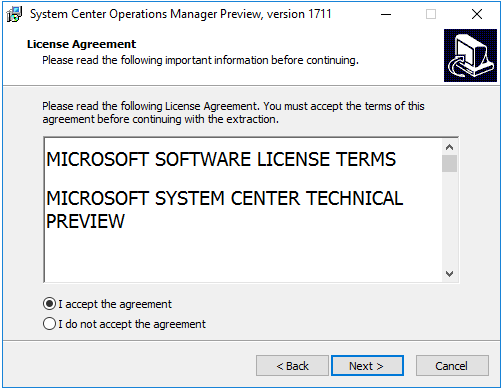
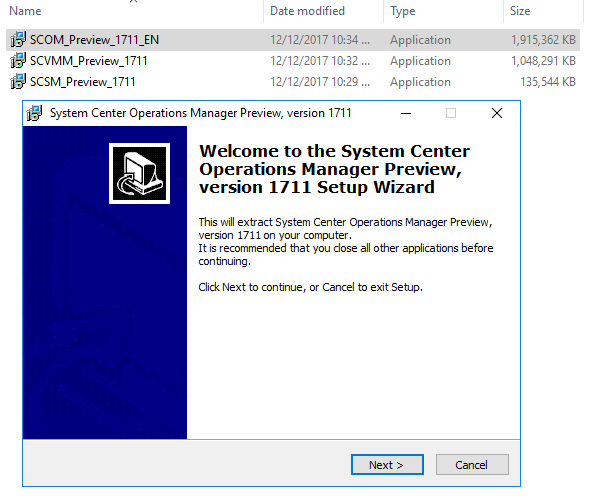
Click Next to begin the setup wizard
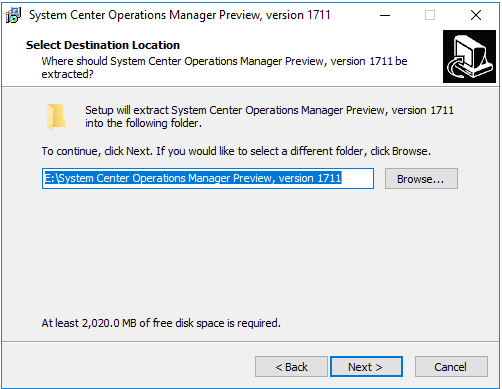
Select Path to save file
Click Next
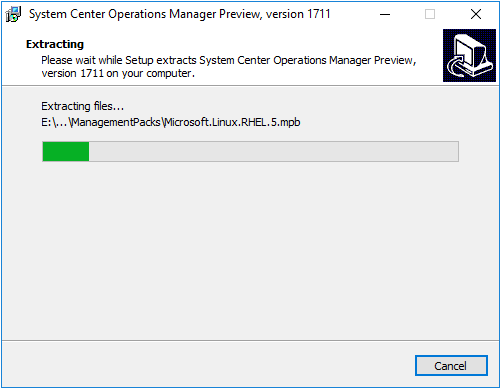
File extract completes
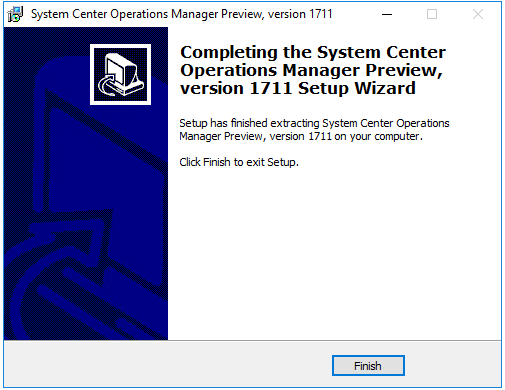
Click Finish
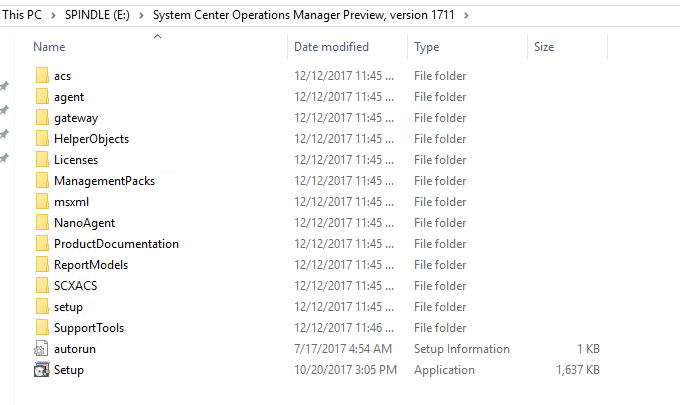
Looks like SCOM ISO
Now it's time to grab Holman's quick start guide and set up new servers for 1801 management group (if you don't already have the steps down pat!)