Note
Access to this page requires authorization. You can try signing in or changing directories.
Access to this page requires authorization. You can try changing directories.
Verify SCOM ID used in O365 Subscription in Azure Portal
In Azure Portal
Verify the Application exists ( Azure tenant shows as SCOM O365MP )
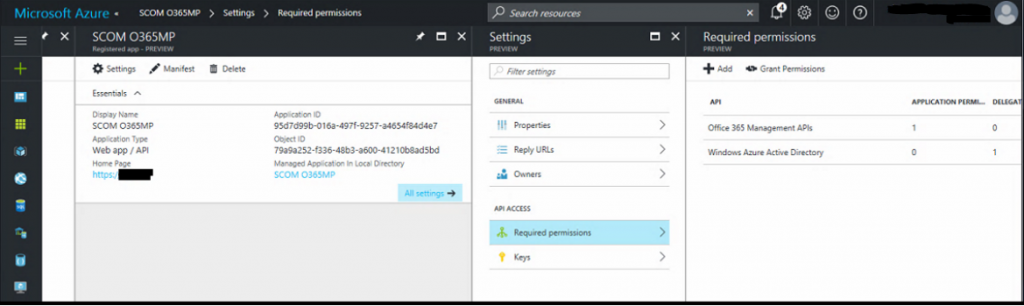
NOTE In the right hand pane the Office 365 Management API's has Application Permissions, and cannot be selected 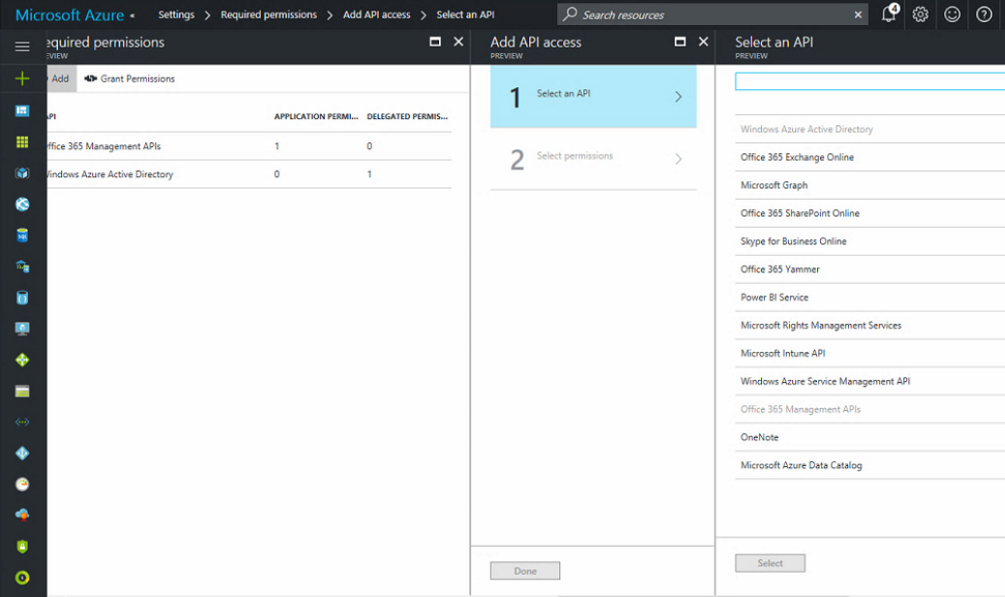
Click Back to the Settings window
Click on Owners
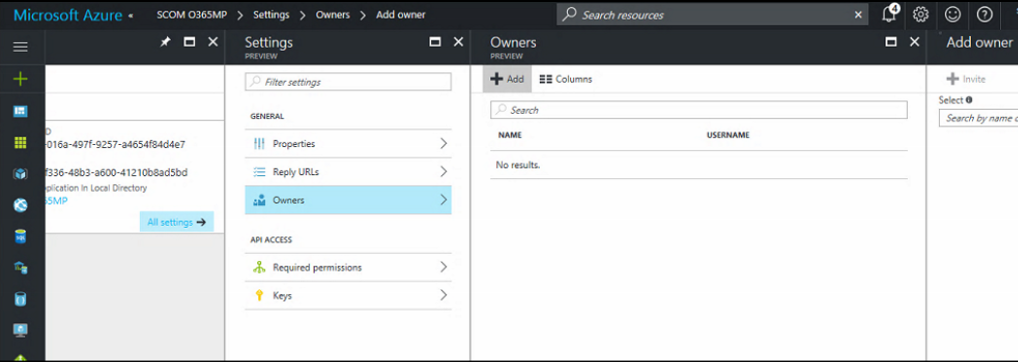
NOTE NO owners show in this view
Click Add +
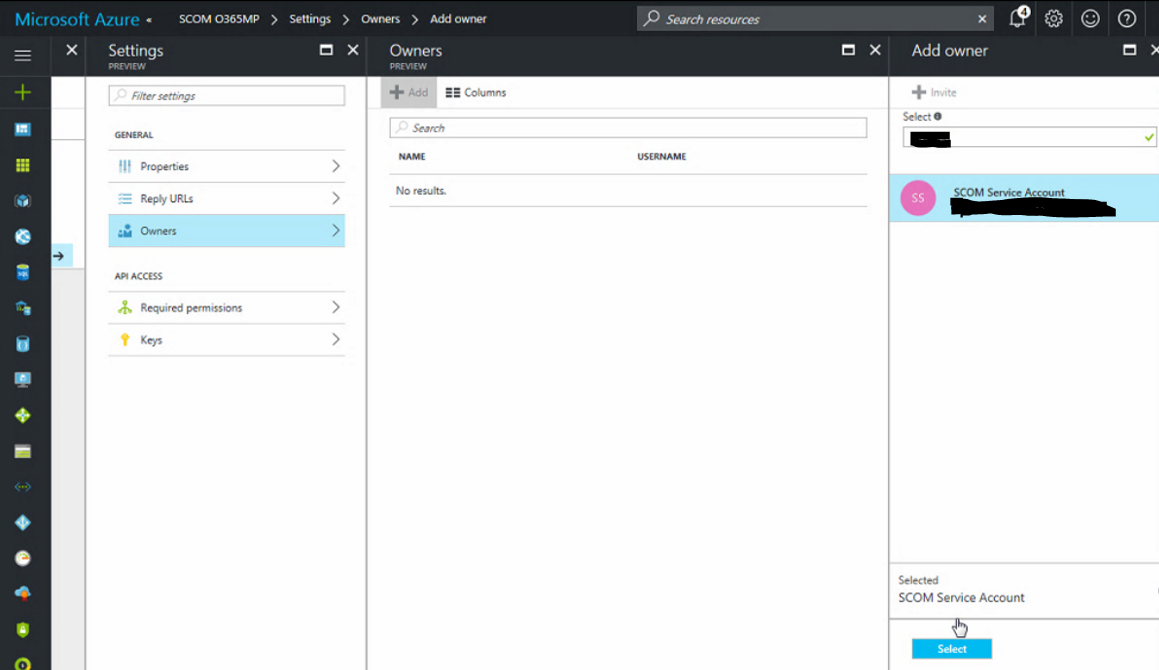
In the Add owner window, type the ID
Hit Select to add the user account (This example is the SCOM Service account)
Have user test