Note
Access to this page requires authorization. You can try signing in or changing directories.
Access to this page requires authorization. You can try changing directories.
Technical writer Felipe Ayora has a new video out to drive awareness of the new Getting to Know Hyper-V: A Walkthrough from Initial Setup to Common Scenarios doc in the TechNet Library*
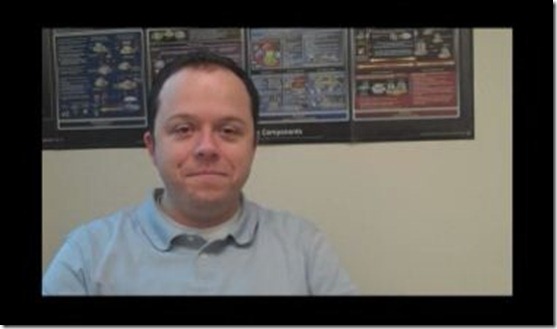
Click the image to play the vid, or go to:
https://www.microsoft.com/video/en/us/details/40500ac7-a9b3-437a-bf5b-f9cb5ca4e09c
*You can download a printable version of the guide: Getting to Know Hyper-V: A Walkthrough from Initial Setup to Common Scenarios (https://go.microsoft.com/fwlink/?LinkId=179636).
If you prefer to test Hyper-V on Windows Server 2008, there is a different version of this guide that you can download: Getting to Know Hyper-V: A Walkthrough from Initial Setup to Common Scenarios (Windows Server 2008) (https://go.microsoft.com/fwlink/?LinkId=163697).
Detailed planning, deployment, and technical information about Hyper-V is available in the Windows Server TechCenter: Browse Windows Server Technologies: Hyper-V (https://go.microsoft.com/fwlink/?LinkId=48557).
What other videos would you like to see? Leave feedback.