Note
Access to this page requires authorization. You can try signing in or changing directories.
Access to this page requires authorization. You can try changing directories.
You need to perform the installation from the Power Platform admin center for the first time only. Subsequent updates are package driven and require no manual action.
To install Core Service Scheduling from the Power Platform admin center:
Select Manage and then select Dynamics 365 apps.
Under the list of application names, select Dynamics 365 Service Scheduling, and then select Install.
Select the environment where you want to install the latest app (the installation starts with the dev environment). Once the dev instance succeeds, it changes to test and then production.
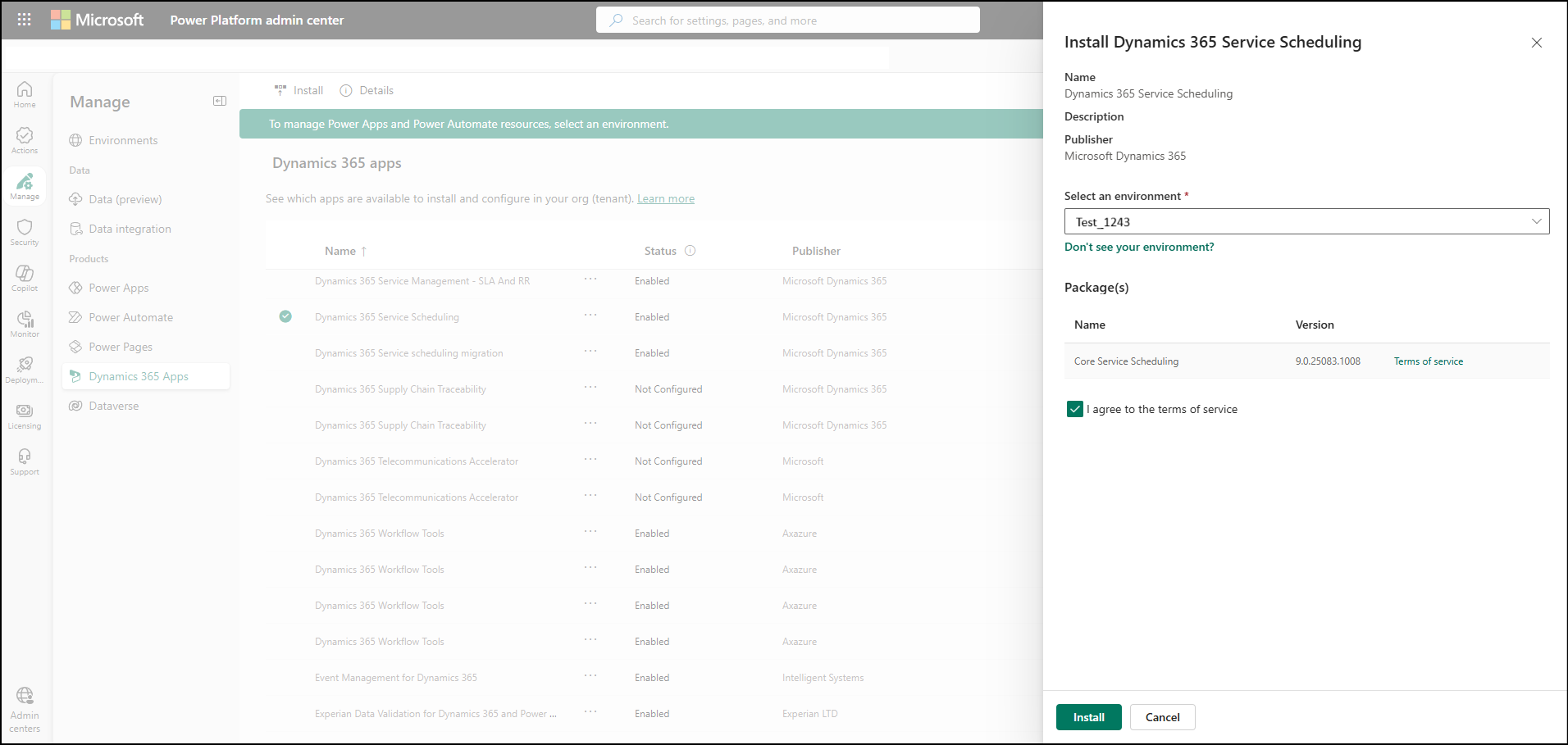
If you agree to the terms and conditions, select the checkbox next to I agree to the terms of service, and then select Install.