Note
Access to this page requires authorization. You can try signing in or changing directories.
Access to this page requires authorization. You can try changing directories.
Note
Community interest groups have now moved from Yammer to Microsoft Viva Engage. To join a Viva Engage community and take part in the latest discussions, fill out the Request access to Finance and Operations Viva Engage Community form and choose the community you want to join.
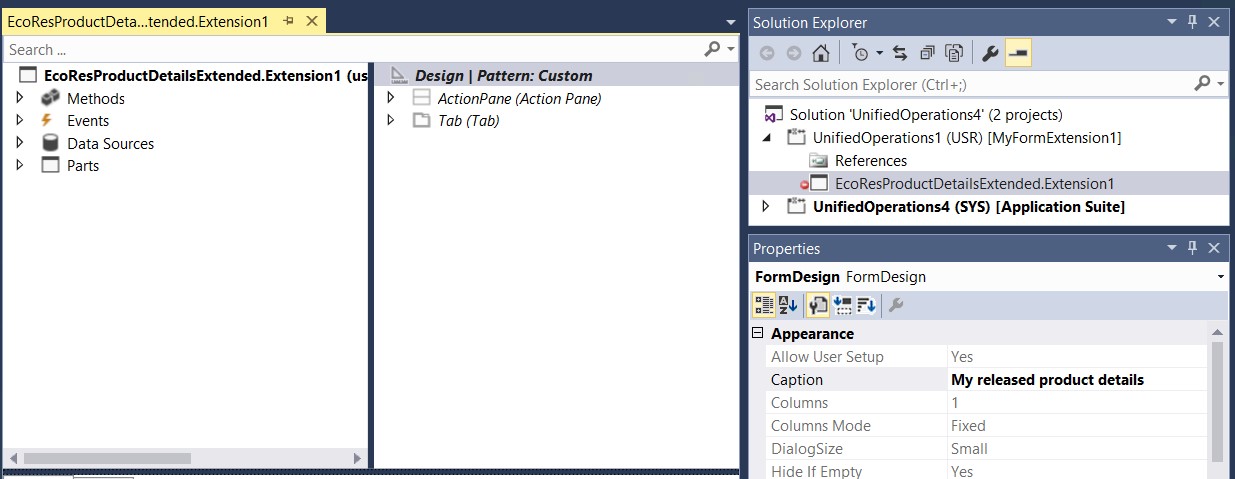
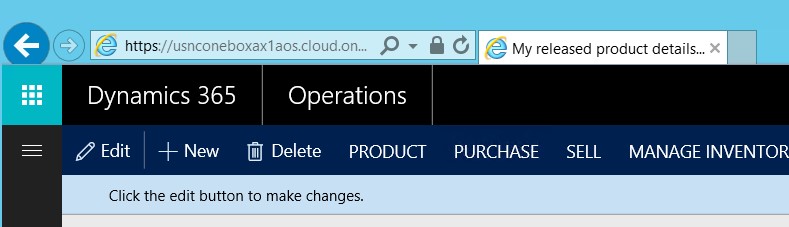
The form caption appears in the page tab next to the web browser's Address bar and helps the user identify the page that is currently open. In metadata, the form caption is represented by a property on the form design. Therefore, to change the caption, you must modify the Caption property on the form design. You can make this change through extension. Create an extension of the selected form in the extension model, and then change the Caption property as usual.
The following illustration shows what the form caption looks like in a browser.
Note
None of the other properties on the form design can be changed.