Note
Access to this page requires authorization. You can try signing in or changing directories.
Access to this page requires authorization. You can try changing directories.
Track Power BI service health using the Microsoft 365 admin center to monitor current issues and view historical service data. Power BI admins can access these health monitoring tools to quickly identify and troubleshoot service problems. To access service health information, you must have the Fabric administrator role.
For more information about roles, see Administrator roles related to Power BI.
Sign in to the Microsoft 365 admin center.
From the nav pane, select Show all > Health > Service health. The Service health page appears. Active issues are listed on this overview page:

To see more information, select an item.
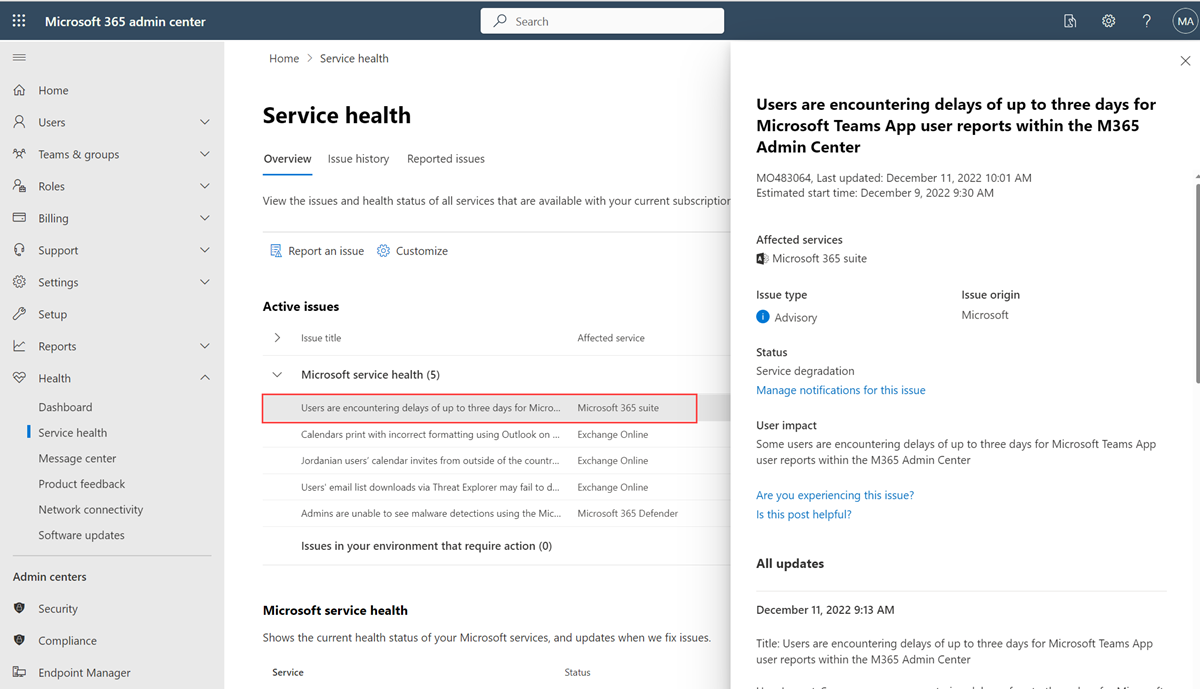
Scroll down to see more information, then close the pane when you're finished.
To see historical information across all services, select Issue history, and then select Past 7 days or Past 30 days.
To return to current service health, select Overview.

