Note
Access to this page requires authorization. You can try signing in or changing directories.
Access to this page requires authorization. You can try changing directories.
This article provides troubleshooting steps for issues where the Modern Advanced Find feature doesn't work correctly in a model-driven app in Microsoft Power Apps.
Scenario 1: Some filter conditions reappear after being deleted
Troubleshooting step
Check if the automatically reapplied filters are related to the page filters. Some entities (activities and queues) support the page filters (see the following screenshot). Those filters can't be removed from the Modern Advanced Find window.

Scenario 2: Some filter conditions aren't rendered correctly
Troubleshooting step
Modern Advanced Find currently doesn't support the following conditions:
- The
Datetype fields used with standard operators. TheDatetype fields must be used with field-specific operators. For example,onshould beeq, andon-or-beforeshould belt. - The
intype conditions. To ensure compatibility with Modern Advanced Find, theintype conditions should be replaced with severaleq. For example,[city in "Redmond", "Washington" ]should be replaced with[city eq "Redmond" Or city eq "Washington"].
Scenario 3: Unexpected data after applying Modern Advanced Find filters
Troubleshooting step
Use the Power Apps Monitor tool to obtain the fetchXML query and the
recordsCountattribute.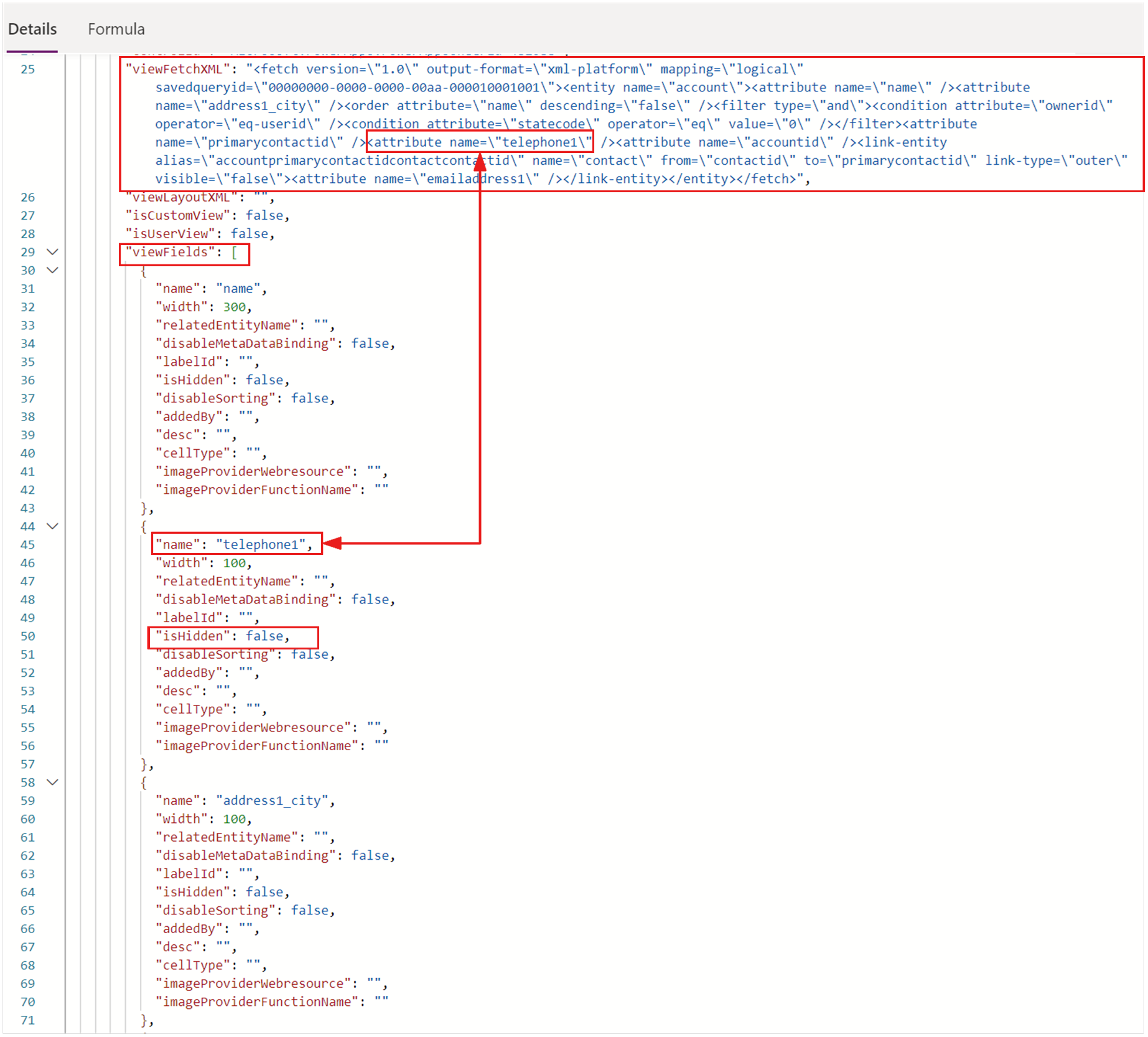

Check all the filters in the fetchXML query and make sure they're all expected.

If the fetchXML query contains extra filters, check for any extra filters that might be applied. For more information, see Scenario 3: Column filtering is enabled but not applied correctly.
