このチュートリアルでは、プログラミング ツールを使用してテナント間分離レポートを作成する方法について説明します。
このチュートリアルで学習する内容は次のとおりです:
- レポートの作成
- テナントのすべてのレポートを一覧表示する
- 単一のレポートを取り込む
レポートの作成
次の情報を使用して、新しいレポートを作成するさまざまな方法を見つけます。
ヒント
テナントごと、暦日ごとに 1 つのレポートのみ作成できます。
キャンバスに新しいアクションを追加し、「テナントのテナント間接続レポートを生成する要求を作成するか、既存のレポートを返す」を検索します。 パラメーターは必要ありません。
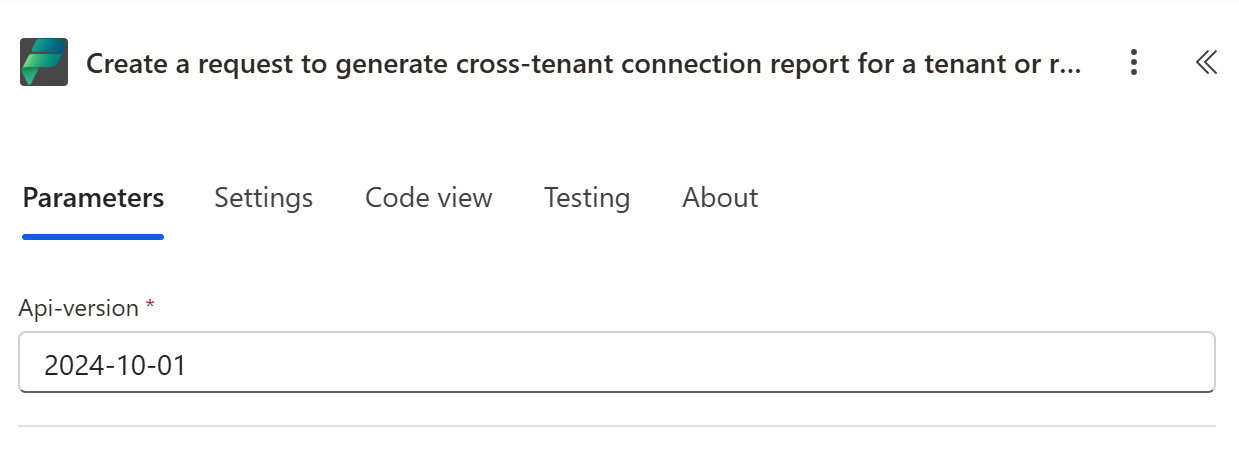
次の PowerShell スクリプトを使用してレポートを作成する。
Import-Module "MSAL.PS"
$AuthResult = Get-MsalToken -ClientId '<client id of your Microsoft Entra ID application registration>' -Scope 'https://api.powerplatform.com/.default'
$Headers = @{Authorization = "Bearer $($AuthResult.AccessToken)"}

try
{
    # Create a cross tenant connections report
    $tenantReportCreateResponse = Invoke-RestMethod -Method Post -Uri "https://api.powerplatform.com/governance/crossTenantConnectionReports?api-version=2022-03-01-preview" -Headers $Headers -Body ""
    $reportId = $tenantReportCreateResponse.reportId
    $reportStatus = $tenantReportCreateResponse.status

    Write-Host "Cross tenant connections report created with ID=$reportId and status=$reportStatus"

} catch {
    # Dig into the exception to get the Response details.
    Write-Host "Response CorrelationId:" $_.Exception.Response.Headers["x-ms-correlation-id"]
    Write-Host "StatusCode:" $_.Exception.Response.StatusCode.value__
    Write-Host "StatusDescription:" $_.Exception.Response.StatusDescription
    $result = $_.Exception.Response.GetResponseStream()
        $reader = New-Object System.IO.StreamReader($result)
        $reader.BaseStream.Position = 0
        $reader.DiscardBufferedData()
        $responseBody = $reader.ReadToEnd();

        Write-Host $responseBody
}
Power Platform API リファレンス: テナント間接続レポートの作成
テナントのすべてのレポートを一覧表示する
"テナントのテナント間接続レポートを一覧表示する" を検索して、キャンバスに新しいアクションを追加します。 パラメーターは必要ありません。
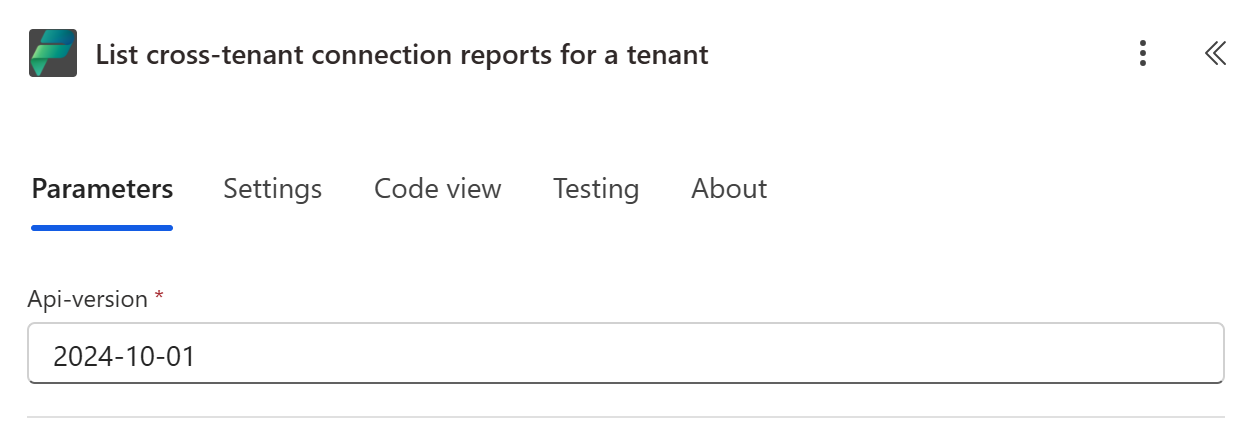
次の PowerShell スクリプトを使用して、テナントで利用可能なすべてのレポートを一覧表示します。
Import-Module "MSAL.PS"
$AuthResult = Get-MsalToken -ClientId '<client id of your Microsoft Entra ID application registration>' -Scope 'https://api.powerplatform.com/.default'
$Headers = @{Authorization = "Bearer $($AuthResult.AccessToken)"}

try
{
     # Get all available cross tenant connections reports for a tenant
    $tenantListReportResponse = Invoke-RestMethod -Method Get -Uri "https://api.powerplatform.com/governance/crossTenantConnectionReports?api-version=2022-03-01-preview" -Headers $Headers
    $report = $tenantListReportResponse | ConvertTo-Json -Depth 3
    Write-Host $report

} catch {
    # Dig into the exception to get the Response details.
    Write-Host "Response CorrelationId:" $_.Exception.Response.Headers["x-ms-correlation-id"]
    Write-Host "StatusCode:" $_.Exception.Response.StatusCode.value__
    Write-Host "StatusDescription:" $_.Exception.Response.StatusDescription
    $result = $_.Exception.Response.GetResponseStream()
        $reader = New-Object System.IO.StreamReader($result)
        $reader.BaseStream.Position = 0
        $reader.DiscardBufferedData()
        $responseBody = $reader.ReadToEnd();

        Write-Host $responseBody
}
Power Platform API リファレンス: テナント間接続レポートの取得
単一のレポートを取り込む
キャンバスに新しいアクションを追加し、「テナントのレポート ID でテナント間接続レポートを取得する」を検索します。 前の手順のレポート ID を指定します。
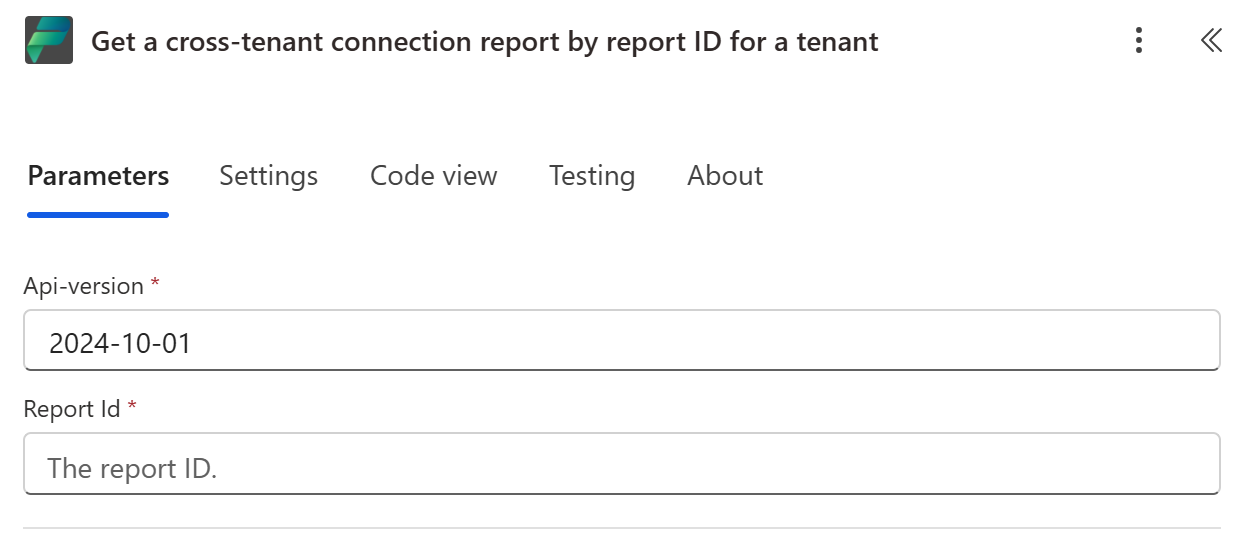
次の PowerShell スクリプトを使用して、テナント内で使用される接続に関するテナントの単一レポートを取得します。
Import-Module "MSAL.PS"
$AuthResult = Get-MsalToken -ClientId '<client id of your Microsoft Entra ID application registration>' -Scope 'https://api.powerplatform.com/.default'
$Headers = @{Authorization = "Bearer $($AuthResult.AccessToken)"}

try
{
   # Get one cross tenant connections report for a tenant
    $tenantListReportResponse = Invoke-RestMethod -Method Get -Uri "https://api.powerplatform.com/governance/crossTenantConnectionReports/{$reportId}?api-version=2022-03-01-preview" -Headers $Headers
    $report = $tenantListReportResponse | ConvertTo-Json -Depth 2
    Write-Host $report
    Write-Host ""

} catch {
    # Go through the exception to get the Response details.
    Write-Host "Response CorrelationId:" $_.Exception.Response.Headers["x-ms-correlation-id"]
    Write-Host "StatusCode:" $_.Exception.Response.StatusCode.value__
    Write-Host "StatusDescription:" $_.Exception.Response.StatusDescription
    $result = $_.Exception.Response.GetResponseStream()
        $reader = New-Object System.IO.StreamReader($result)
        $reader.BaseStream.Position = 0
        $reader.DiscardBufferedData()
        $responseBody = $reader.ReadToEnd();

        Write-Host $responseBody
}
Power Platform API リファレンス: テナント間接続レポートの一覧表示
関連コンテンツ
Power Platform API リファレンス - テナント間接続レポート