Notitie
Voor toegang tot deze pagina is autorisatie vereist. U kunt proberen u aan te melden of de directory te wijzigen.
Voor toegang tot deze pagina is autorisatie vereist. U kunt proberen de mappen te wijzigen.
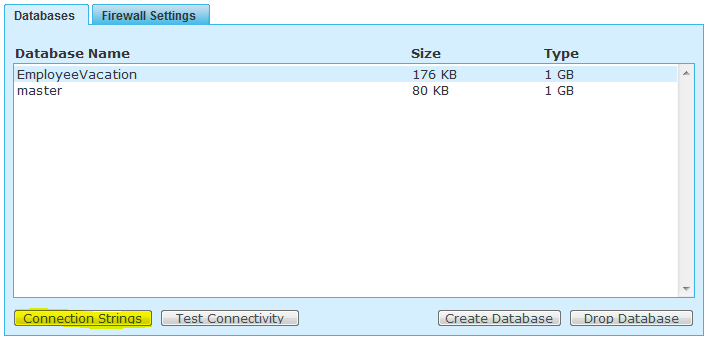
Irrespective of where your application lies i.e. in the cloud or locally, you can simply connect to the SQL Azure database by replacing your local DB Connection String with the SQL Azure Connection String. The connection string for any SQL Azure database can be obtained in the "Server Administration" screen in your SQL Azure account by selecting the database and clicking the Connection String button under the Databases tab.