หมายเหตุ
การเข้าถึงหน้านี้ต้องได้รับการอนุญาต คุณสามารถลอง ลงชื่อเข้าใช้หรือเปลี่ยนไดเรกทอรีได้
การเข้าถึงหน้านี้ต้องได้รับการอนุญาต คุณสามารถลองเปลี่ยนไดเรกทอรีได้
Generates TypeSpec files from the intercepted requests and responses.
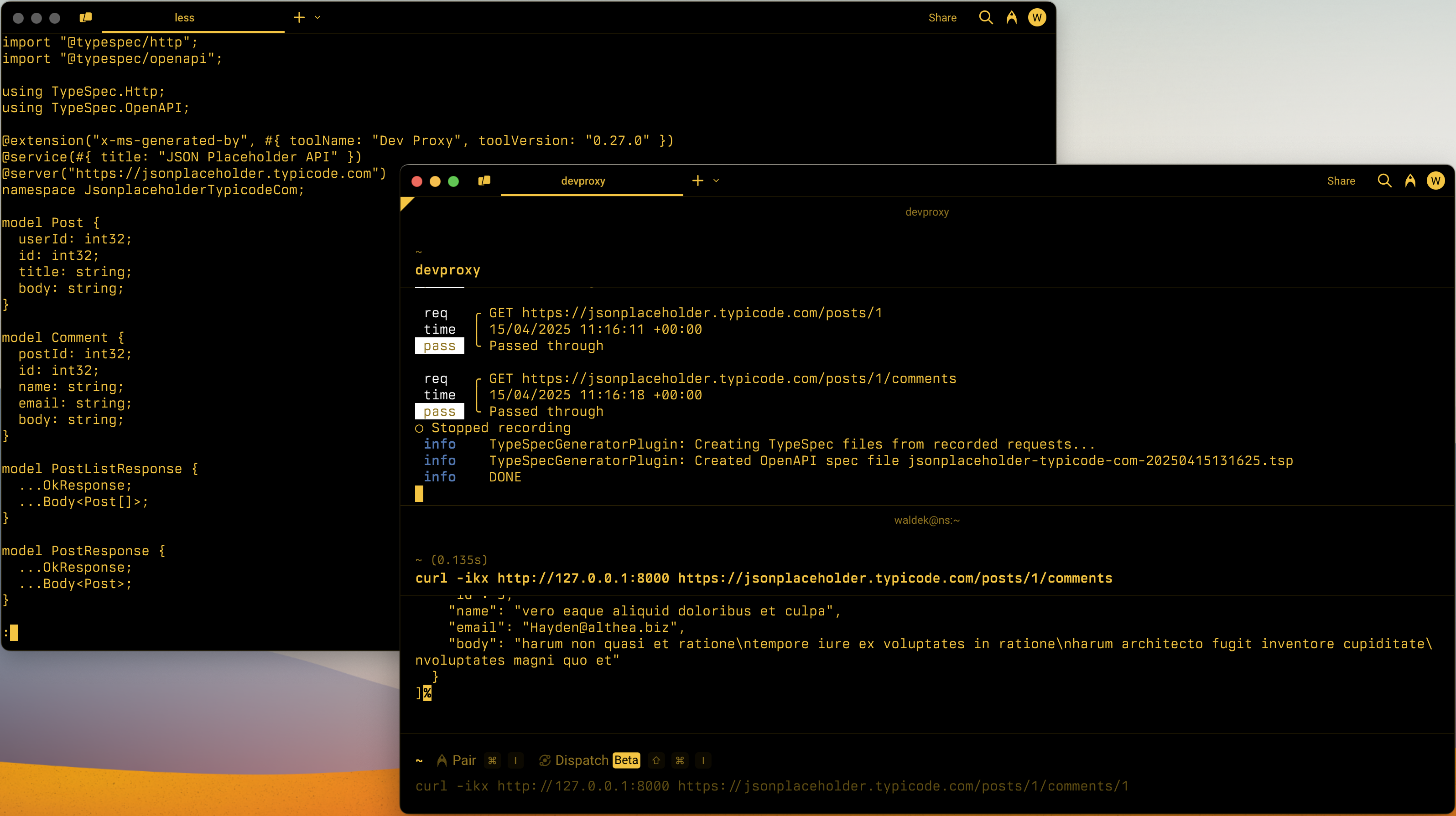
Configuration example
{
  "$schema": "https://raw.githubusercontent.com/dotnet/dev-proxy/main/schemas/v2.0.0/rc.schema.json",
  "plugins": [
    {
      "name": "TypeSpecGeneratorPlugin",
      "enabled": true,
      "pluginPath": "~appFolder/plugins/DevProxy.Plugins.dll",
      "configSection": "typeSpecGeneratorPlugin"
    }
  ],
  "typeSpecGeneratorPlugin": {
    "$schema": "https://raw.githubusercontent.com/dotnet/dev-proxy/main/schemas/v2.0.0/typespecgeneratorplugin.schema.json",
    "ignoreResponseTypes": false
  }
}
Configuration properties
| Property | Description | Default |
|---|---|---|
ignoreResponseTypes |
Determines whether to generate types for API responses (false) or to set them to string (true). |
false |
Command line options
None
Remarks
To create better TypeSpec files, consider using a local language model with Dev Proxy. Using a local language model, the TypeSpecGeneratorPlugin generates clearer operation IDs and descriptions, giving you a better starting point for your TypeSpec file. To use a local language model with the TypeSpecGeneratorPlugin, enable the language model in the configuration file. For more information, see Use a local language model.
ทํางานร่วมกับเราใน GitHub
แหล่งที่มาสำหรับเนื้อหานี้สามารถพบได้บน GitHub ซึ่งคุณยังสามารถสร้างและตรวจสอบปัญหาและคำขอดึงข้อมูลได้ สำหรับข้อมูลเพิ่มเติม ให้ดูคู่มือผู้สนับสนุนของเรา

Dev Proxy