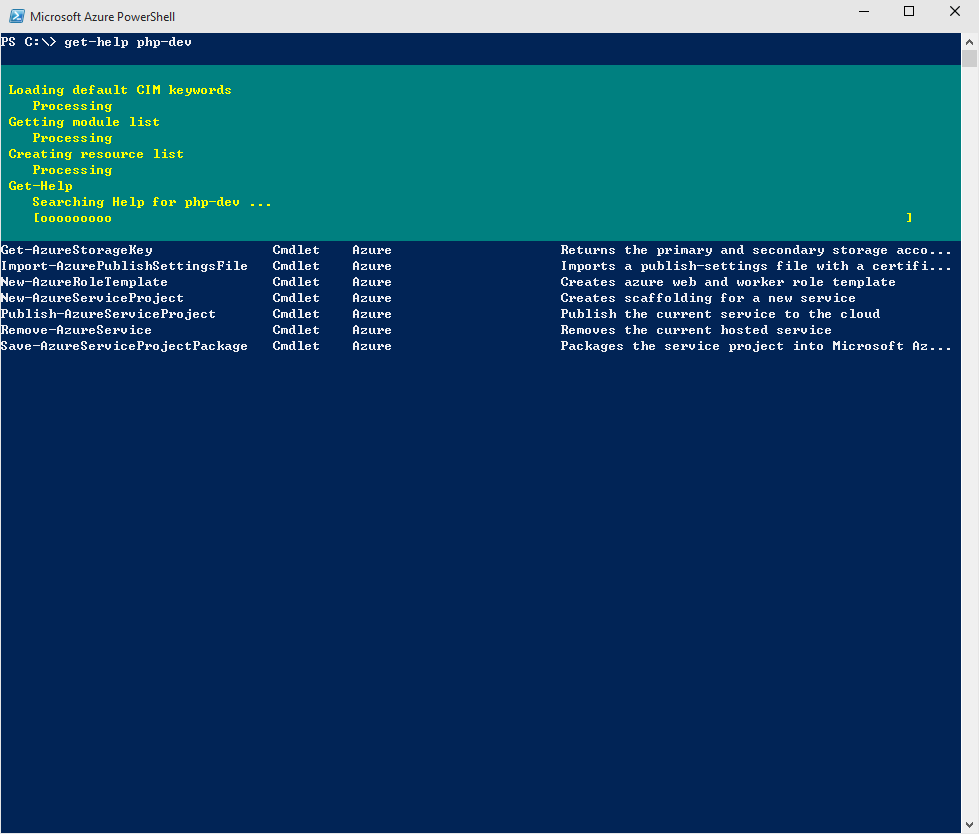
After installing some PowerShell modules such as Windows Azure PowerShell, Azure SDK and WAOC internal PS modules, the PowerShell output became verbose style all the ways, pretty annoying:

Who made this lovely change and where it being controlled? The trick is here. The PowerShell icon in your task bar actually pointing to a startup script, by default it's like this:
C:\Windows\SysWOW64\WindowsPowerShell\v1.0\powershell.exe -NoExit -ExecutionPolicy Bypass -File "C:\Program Files (x86)\Microsoft SDKs\Azure\PowerShell\ServiceManagement\Azure\Services\ShortcutStartup.ps1"
Open the startup script, search for $VerbosePreference, you may see someone changed the default value:
$VerbosePreference="Continue"
Change it back to the default:
$VerbosePreference="SilentlyContinue"
All set. Now PowerShell no longer working like nuts:
*Note: You will need to run the editor with elevated privilege. Run as Administrator, or it may not able to be saved.